
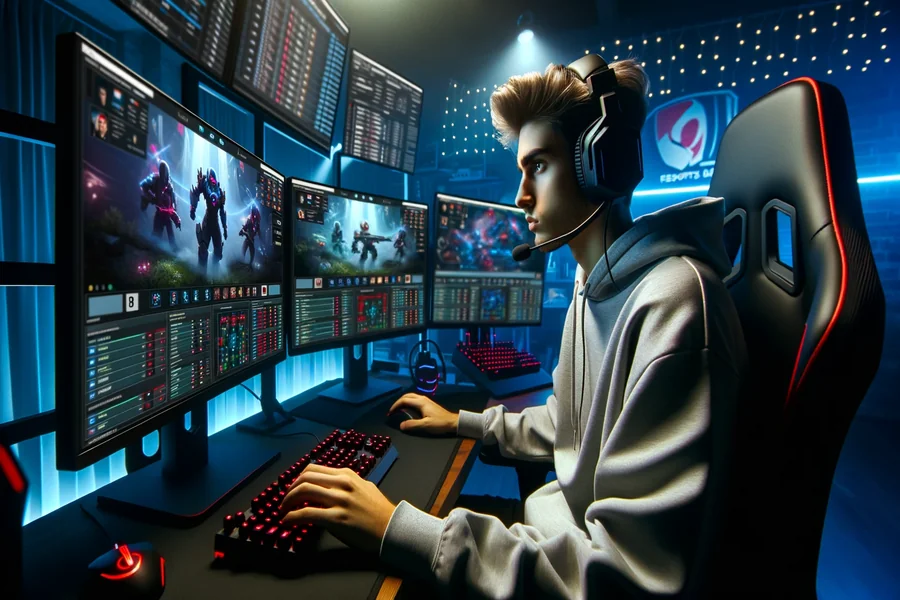
Crowded streams, fast chats, and overlays packed with numbers can scare off first-time viewers. Yet a match becomes easy to follow once the screen is broken into a few cues: score, time, map or objective, economy, and key cooldowns. This guide trims the noise and teaches a simple routine for watching League of Legends, Counter-Strike 2, Valorant, and Dota 2 without tech slang. A quick reality check helps motivation: large events pull real sports-like crowds online. Worlds 2024 hit around 6.9 million peak concurrent viewers (excluding China), the top mark to date for esports finals, which tells you there’s plenty worth learning on stream.
What you’re actually seeing on the screen
A broadcast is a scoreboard plus a map and a feed of small, repeatable moments. Score tells who’s ahead, but do not treat it like the whole story. In economy-based shooters, a round win means less if the team spent everything to get it. In MOBAs, gold and experience gaps matter even when kills look even. Before a match, glance at expected runtime: a CS2 best-of-one often fits into an hour; a Dota 2 game can stretch past 40 minutes when teams trade farm and delay fights, which is normal for the genre. Viewership data shows that patient, longer finals still draw huge audiences, so pacing is part of the show.
Here’s a fast routine to keep your bearings during play:
- Check the top bar first – objective score or round count tells win conditions at a glance.
- Scan the minimap every 10–15 seconds – it reveals rotations, lane pressure, and sneaky flanks before the casters call them.
- Track “money” or items – rifles bought or big hero items ready often decide the next fight.
- Note major cooldowns – smokes, ults, flashes, or team-fight spells dictate when teams choose to engage.
- Watch economy swings – in shooters, a full save or force buy signals the next two rounds; in MOBAs, a 2–3k gold spike often triggers a tower or objective play.
Your first watchlist: five cues that decode any match
Open the stream, then pause for a 20-second setup: confirm format (best-of-three or five), check who attacks or defends first, and read the map or objective names so they feel familiar. This habit pays off in big events where tension builds across multiple maps. Championship streams prove that clear formats and star matchups bring in the largest crowds – Worlds 2024 peaked near 6.94 million concurrents, while The International 2024 finals hit around 1.52 million at peak, both excluding Chinese platforms. That’s proof the meta and storytelling can carry long series if viewers understand the basics.
If a hub for schedules and live stats is needed, read more and keep it as a neutral waypoint. Pair that with a data site for context – Esports Charts aggregates peaks, averages, and hours watched, and now even lists official broadcasts in a single “Watch Now” view. A community-run wiki like Liquipedia complements it with brackets, formats, and patch history. Together, those pages answer two things newcomers always ask: “When is the next match?” and “Why does this map or patch change the plan?” Bookmark both and the broadcast will suddenly feel much less random.
Mobile viewing without burning your data plan
Plenty of fans watch on the move, which means managing quality and data. As a rule of thumb, 720p streams sit around 1.2–2.7 GB per hour, while 480p is closer to 0.5–0.7 GB. For a best-of-three that runs two hours, dropping to 480p can save a full gigabyte or more without ruining clarity on a phone screen. Locks for resolution and frame rate matter too; if the app supports 30 fps instead of 60 fps, that trim helps in shooters where motion blur otherwise drives bitrate higher. Keep an eye on long days – a final with ceremonies and analyst desks can rack up hours.
A simple mobile setup solves most pain points. Preload the bracket page, enable push alerts for match start times, and favor official English or local-language broadcasts for better audio levels. When a stream lags, force a one-step drop in quality rather than letting auto try to recover on its own. If battery is the bottleneck, reduce screen brightness during desk segments and bring it back for team fights or clutch rounds. None of this changes the game itself – it just keeps the phone cool and the data counter tame while the match pace ebbs and flows.
Where schedules and stats actually live
Rely on two bookmarks and you’ll never wander. Liquipedia pages for your game list upcoming events, qualifiers, and live brackets with clean links to rule sets and formats. That’s your “what” and “when.” For the “how big was it” question, Esports Charts tracks peaks, averages, and language splits across Twitch and YouTube, which helps gauge which scenes are heating up and when to tune in live. The LoL Worlds record in 2024 and Dota’s steady TI numbers show how format clarity and star power push viewership spikes – useful signals when choosing which broadcast to watch on a busy weekend.
Before the next match: a short plan that works
Pick one title to follow for a month – LoL, CS2, Valorant, or Dota 2 – and stick with the same two sources: a Liquipedia bracket and an Esports Charts event page. Skim the bracket, note the format, then watch a full series with the five-cue routine from above. Keep quality at 480p or 720p depending on your data plan, and turn on alerts so map starts aren’t missed. After a week, tournaments and casters become familiar, and the overlay stops feeling crowded. The aim here is simple: understand the flow well enough that the final map feels tense for the right reasons – timing, economy, and objective pressure backed by clear numbers.